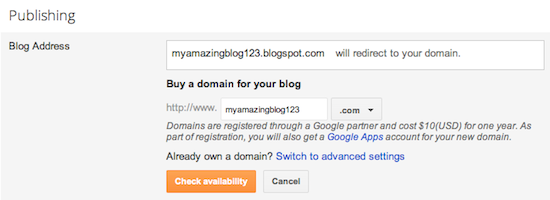
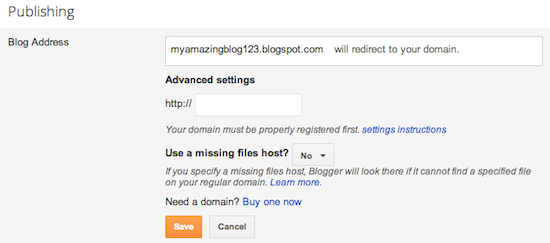
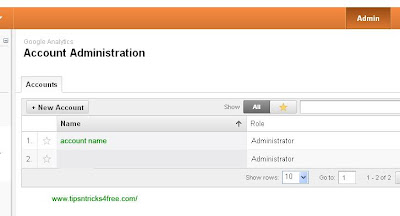
To add analytics code in to blogger just log in to google.com/analytics. click on admin on top right corner. click on administrator name there.
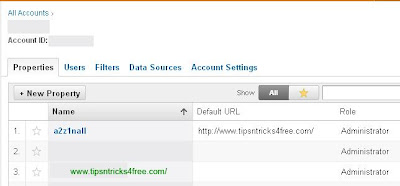
click the site which you want to add code
click on tracking code there
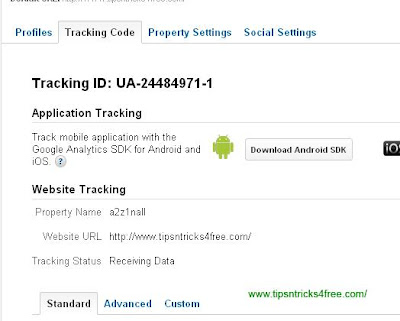
scroll down and find the code to be added. copy paste the code before in blogger. within 24 hours tracking will begin.
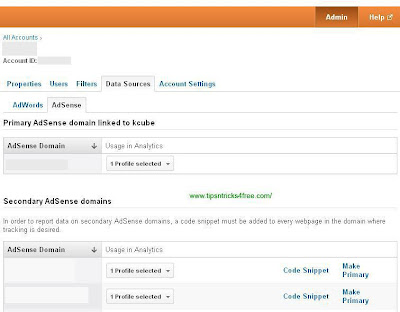
How to add Adsense Analytics code to blogger. Log in to Analytics account. click admin. click data sources. click adsense. click code snippet of site which you want. copy paste after in blogger.
read more "Find and Add Analitics And Adsense Analytics Code for blogger"

click the site which you want to add code

click on tracking code there

scroll down and find the code to be added. copy paste the code before in blogger. within 24 hours tracking will begin.
How to add Adsense Analytics code to blogger. Log in to Analytics account. click admin. click data sources. click adsense. click code snippet of site which you want. copy paste after in blogger.